Follow along with my code for Mobile App Development at my Github
Week 2 Assignment
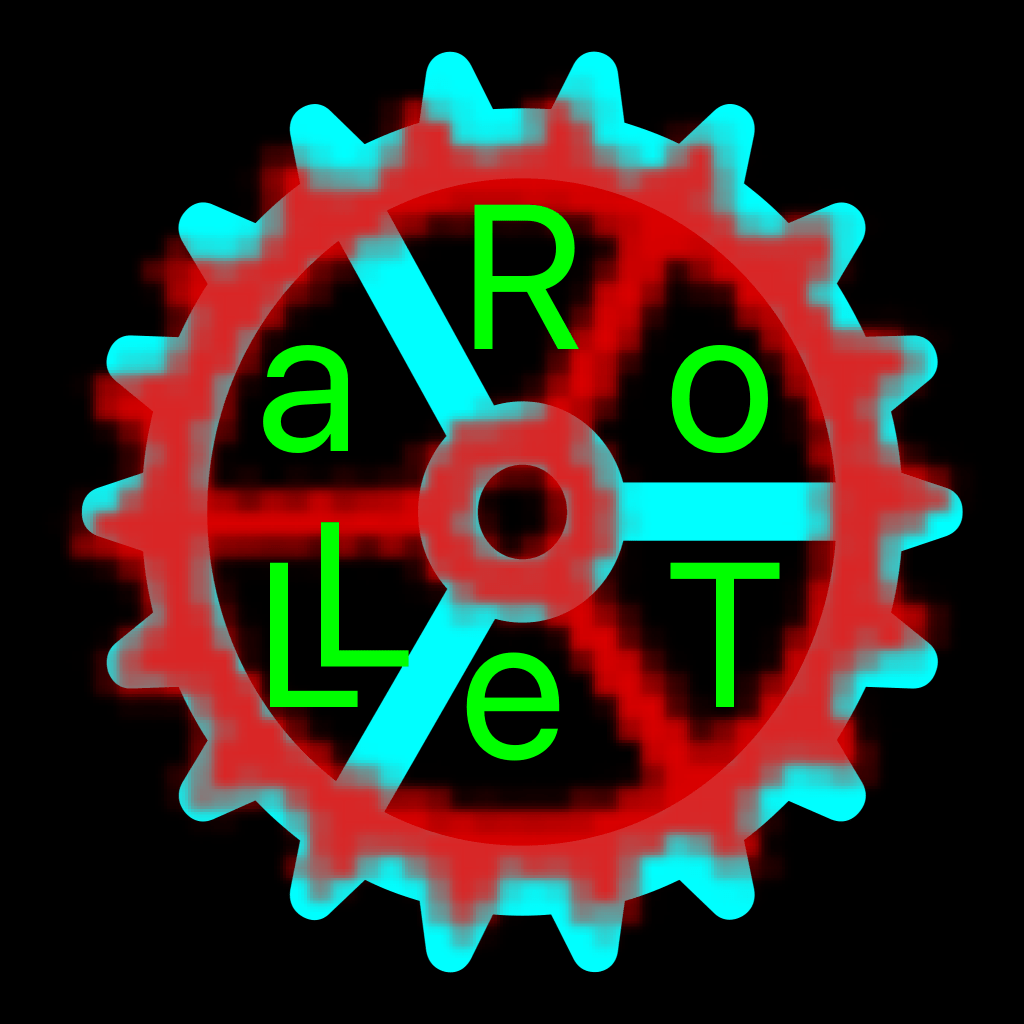
I rendered this image as a 1024 x 1024 .png file using Swift! I used two SF Symbols of a gear and overlayed them. I found a rotate function through the power of Google and Stack Overflow to create the above effect. Then I manually placed each letter in the design, even though I had wanted to find a way to loop (ended up being easier to manually place).
Code below:
import UIKit

let name = "RoTeLLa"

struct Letter {
    var ltr: Character
    var colorR: Int
    var colorG: Int
    var colorB: Int

    init(ltr: Character) {
        self.ltr = ltr
        self.colorR = Int.random(in: 0...255)
        self.colorG = Int.random(in: 0...255)
        self.colorB = Int.random(in: 0...255)
    }
}


let dimension = 1024.0

let renderer = UIGraphicsImageRenderer(size: CGSize(width: dimension, height: dimension)) //create 1024 x 1024 image

//below extension from: https://stackoverflow.com/questions/27092354/rotating-uiimage-in-swift

extension UIImage {
    func rotate(radians: Float) -> UIImage? {
        var newSize = CGRect(origin: CGPoint.zero, size: self.size).applying(CGAffineTransform(rotationAngle: CGFloat(radians))).size
        // Trim off the extremely small float value to prevent core graphics from rounding it up
        newSize.width = floor(newSize.width)
        newSize.height = floor(newSize.height)

        UIGraphicsBeginImageContextWithOptions(newSize, false, self.scale)
        guard let context = UIGraphicsGetCurrentContext() else { return nil }

        // Move origin to middle
        context.translateBy(x: newSize.width/2, y: newSize.height/2)
        // Rotate around middle
        context.rotate(by: CGFloat(radians))
        // Draw the image at its center
        self.draw(in: CGRect(x: -self.size.width/2, y: -self.size.height/2, width: self.size.width, height: self.size.height))

        let newImage = UIGraphicsGetImageFromCurrentImageContext()
        UIGraphicsEndImageContext()

        return newImage
    }
}


 var image = renderer.image { (context) in

    UIColor.gray.setStroke()
    let rt = renderer.format.bounds
    context.stroke(rt)

    UIColor.black.setFill()
    context.fill(rt)

    let x = rt.width * 0.01

    let y = 0.0

    let gear1 = UIImage(systemName: "gear")

    let gearTint1 = gear1?.withTintColor(UIColor.cyan)

    gearTint1?.draw(in: CGRect(x: x, y: 0, width: rt.width, height: rt.height))


    //let x2 = rt.width*0.15
    let gear2 = UIImage(systemName: "gear")


     let newGear2 = gear2?.rotate(radians: 0.994838) //57 degrees

     let gearTint2 = newGear2?.withTintColor(UIColor(red: 1.0, green: 0, blue: 0, alpha: 1.0))


     gearTint2?.draw(in: CGRect(x: x - rt.width*0.15, y: -rt.height*0.15, width: rt.width*1.3, height: rt.height*1.3)) //trial and error with positioning lol

     var x2 = rt.width*0.45
     var y2 = rt.height*0.15

     let font = UIFont.systemFont(ofSize: rt.height * 0.2)
     var nameIndex = 0
     let r = name[name.startIndex]

     let rS = String(r)
     let str2 = NSAttributedString(string: rS, attributes: [.font: font, .foregroundColor: UIColor(red: 0.0, green: 1.0, blue: 0.0, alpha: 1.0)]) //oh my god, this took too long to find
     str2.draw(at: CGPoint(x: x2, y: y2))

     nameIndex += 1
     let oIndex = name.index(name.startIndex, offsetBy: nameIndex)
     let o = name[oIndex]
     let rO = String(o)
     let strO = NSAttributedString(string: rO, attributes: [.font: font, .foregroundColor: UIColor(red: 0.0, green: 1.0, blue: 0.0, alpha: 1.0)]) //oh my god, this took too long to find
     strO.draw(at: CGPoint(x: x2 + rt.width*0.20, y: y2+rt.height*0.10))

     nameIndex += 1
     let tIndex = name.index(name.startIndex, offsetBy: nameIndex)
     let t = name[tIndex]
     let rT = String(t)
     let strT = NSAttributedString(string: rT, attributes: [.font: font, .foregroundColor: UIColor(red: 0.0, green: 1.0, blue: 0.0, alpha: 1.0)]) //oh my god, this took too long to find
     strT.draw(at: CGPoint(x: x2 + rt.width*0.20, y: y2+rt.height*0.35))

     nameIndex += 1
     let eIndex = name.index(name.startIndex, offsetBy: nameIndex)
     let e = name[eIndex]
     let rE = String(e)
     let strE = NSAttributedString(string: rE, attributes: [.font: font, .foregroundColor: UIColor(red: 0.0, green: 1.0, blue: 0.0, alpha: 1.0)]) //oh my god, this took too long to find
     strE.draw(at: CGPoint(x: x2, y: y2+rt.height*0.40))

     nameIndex += 1
     let lIndex = name.index(name.startIndex, offsetBy: nameIndex)
     let l = name[lIndex]
     let rL = String(l)
     let strL = NSAttributedString(string: rL, attributes: [.font: font, .foregroundColor: UIColor(red: 0.0, green: 1.0, blue: 0.0, alpha: 1.0)]) //oh my god, this took too long to find
     //two L's
     strL.draw(at: CGPoint(x: x2 - rt.width*0.20, y: y2+rt.height*0.35))
     nameIndex += 1
     strL.draw(at: CGPoint(x: x2 - rt.width*0.15, y: y2+rt.height*0.31))

     nameIndex += 1
     let aIndex = name.index(name.startIndex, offsetBy: nameIndex)
     let a = name[aIndex]
     let rA = String(a)
     let strA = NSAttributedString(string: rA, attributes: [.font: font, .foregroundColor: UIColor(red: 0.0, green: 1.0, blue: 0.0, alpha: 1.0)]) //oh my god, this took too long to find
     strA.draw(at: CGPoint(x: x2 - rt.width*0.20, y: y2+rt.height*0.10))


}

image

//error: Execution was interrupted, reason: signal SIGABRT. - when trying to draw letters
let data = image.pngData()

let folder = FileManager.default.urls(for: .documentDirectory, in: .userDomainMask).first
// Output path for the file in the Documents folder
let filePath = folder!.appendingPathComponent("hw2_2.png");

let err: ()? = try? data?.write(to: filePath)
print("err \(String(describing: err))\nfilePath \(filePath.absoluteString.dropFirst(7))")
// Terminal command string to copy output file to Downloads folder
print("cp \(filePath.absoluteString.dropFirst(7)) ~/Downloads/hw2_2.png" ) Ryan Rotella
Leave a comment