
Group
Ryan Rotella, Surya Nareddi, and William Fang
Concept
We want to construct an antenna that is powered by a Voltaic battery that recharges with solar energy. With this solar-powered antenna, we want to capture radio signals using a Raspberry Pi and Software Defined Radio (SDR) accessories/software and transmit them to a website we will design with art to visualize what is going on above us.
Goal: we want to make the far-off information flow of satellite, aircraft, and radio more accessible and understandable to all ground-dwellers.
Bill of Materials
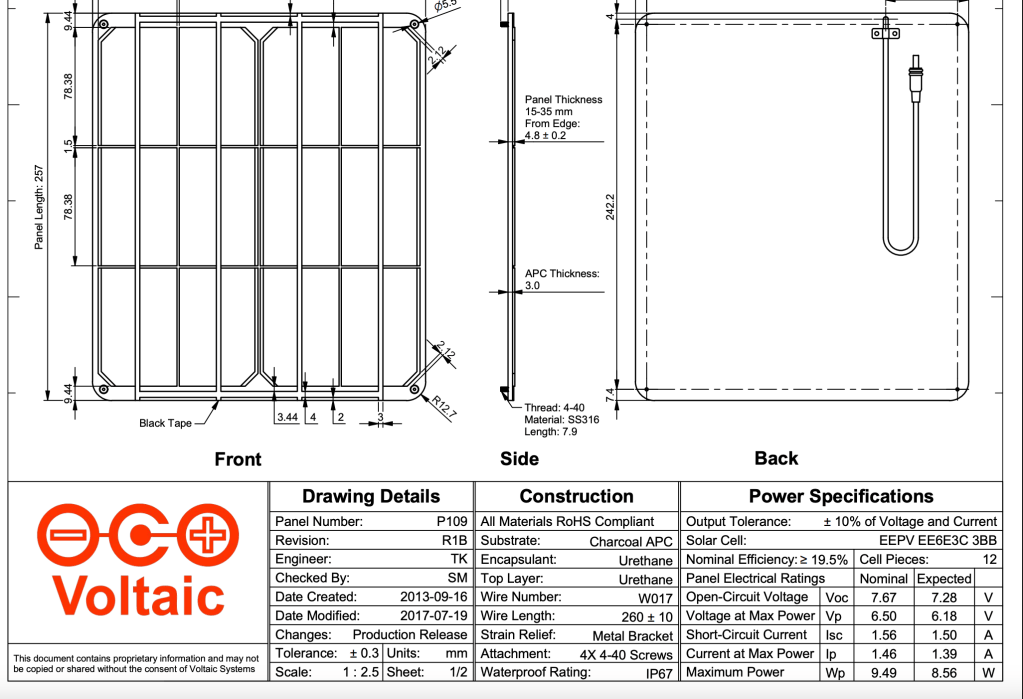
- 3 Voltaic Solar Panels – (thank you, Voltaic Systems)
- 1 Voltaic V50 battery with cords – (thank you, Voltaic Systems)
- 1 Raspberry Pi 0 – courtesy of Will
- 1 SDR USB Dongle – courtesy of Will, RTL-SDR
- 1 antenna – to be built
- Copper tubing/Copper wires
- PVC tubes
- 3D printed mold/bracket
- Coaxial cable/connecter
- SDR Software -> SDR++ or RTL-SDR
- 1 Arduino Nano 33 IoT
- already have
- used to turn on/off Rasperry Pi
- Also used to monitor battery level/charge accordingly from solar panels
- 1 HiLetgo INA219 I2C IIC Bi-Directional DC Current Power Monitoring Sensor – bought
- 2 Type C USB Terminal Block Connector – bought
- 1 USB Power Meter – bought
Day 1
-Test if panels can power raspberry pi
-Figure out power budget -> max that pi runs is 4 watts, 0.77 A on 5V – tested by having download a big file online
-list all components/materials – to buy vs what we have
-list all softwares
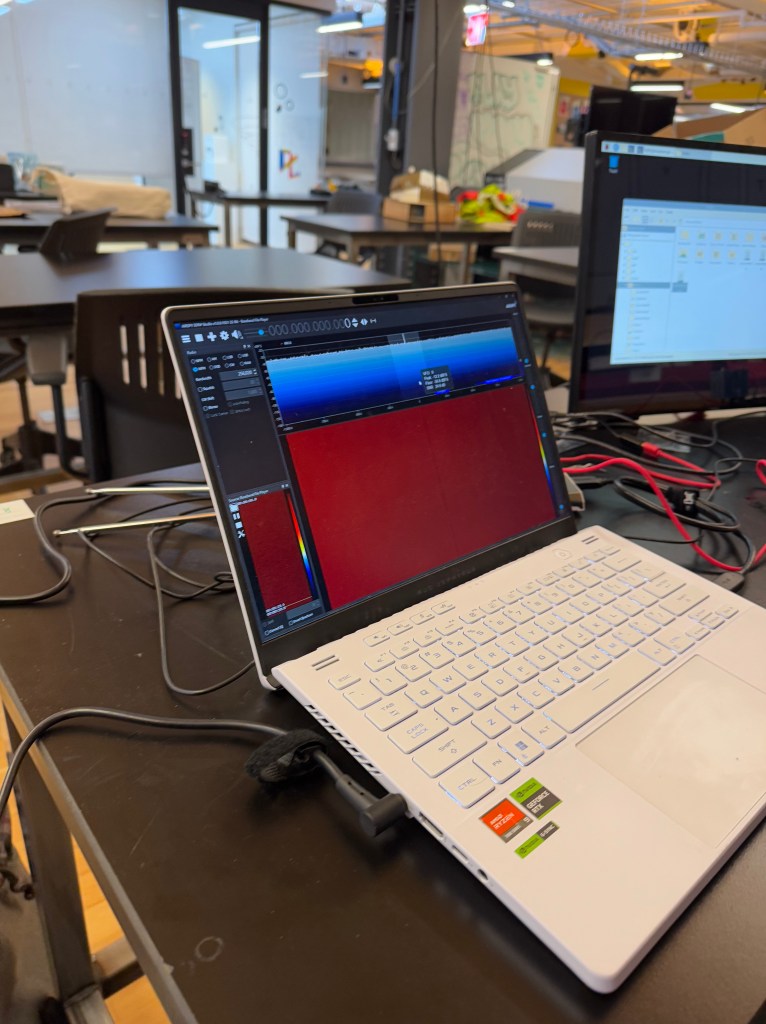
-installed sdr software onto raspberry pi – complete

Day 2
Will switched to a Raspberry Pi 0 instead of his old Raspberry Pi 3.
Tested out its power:
SDR recording into an IQ File
3.4 watts – peak
2.5-2.7 watts – stable
Installed Command Line Software (RTL-SDR) and successfully recorded data to an IQ file in Raspberry Pi.
Need to figure out how to transmit data from Raspberry Pi to another computer (SSH server? MQTT?) and the corresponding power usage of each – booked office hours with Kai for Monday
IQ files are large: 150-200 MB – will take some time to transfer from Pi to server
Next steps: make antenna, put panels together in circuit, figure out file transfer protocol


Day 3
Met with Resident Kai. Discussed:
- Test both streaming data from Pi vs. downloading file then uploading
- Relay v transistor
- Use pi to tell esp/arudino to turn off relay – complicated but could be useful
- ftp server or ssh server or google drive api
- Research satellite schedule – when our antenna can gather data from them
- Nail down power budget for each path
Resources

https://www.rtl-sdr.com/iqengine-a-web-based-toolkit-for-sharing-and-analyzing-rf-iq-recordings/
For measuring voltaic batteries: https://www.amazon.com/dp/B09WCQKSW1?th=1
https://medium.com/@artur.klauser/mounting-google-drive-on-raspberry-pi-dd15193d8138
 Ryan Rotella
Leave a comment