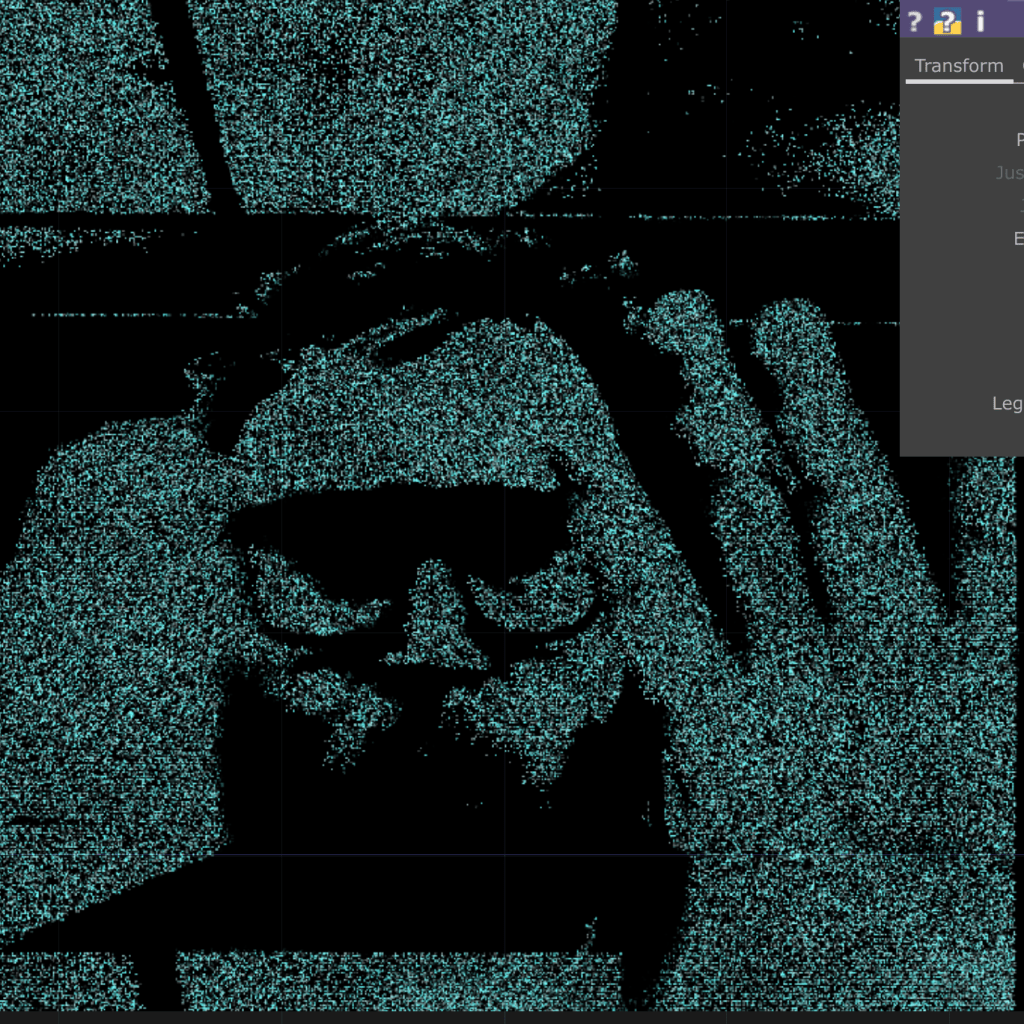
For the first assignment in my Projection Mapping class, I had to make a projection installation with a white box (or boxes) with one projector.
The projection needed to cover Three Sides (Top and Two Sides), according to my Professor, Motomichi.
I knew for future assignments and projections works I wanted to incorporate real-time visuals from Touchdesigner. Therefore, I researched the best pipleline to import a visual from TouchDesigner into MadMapper.
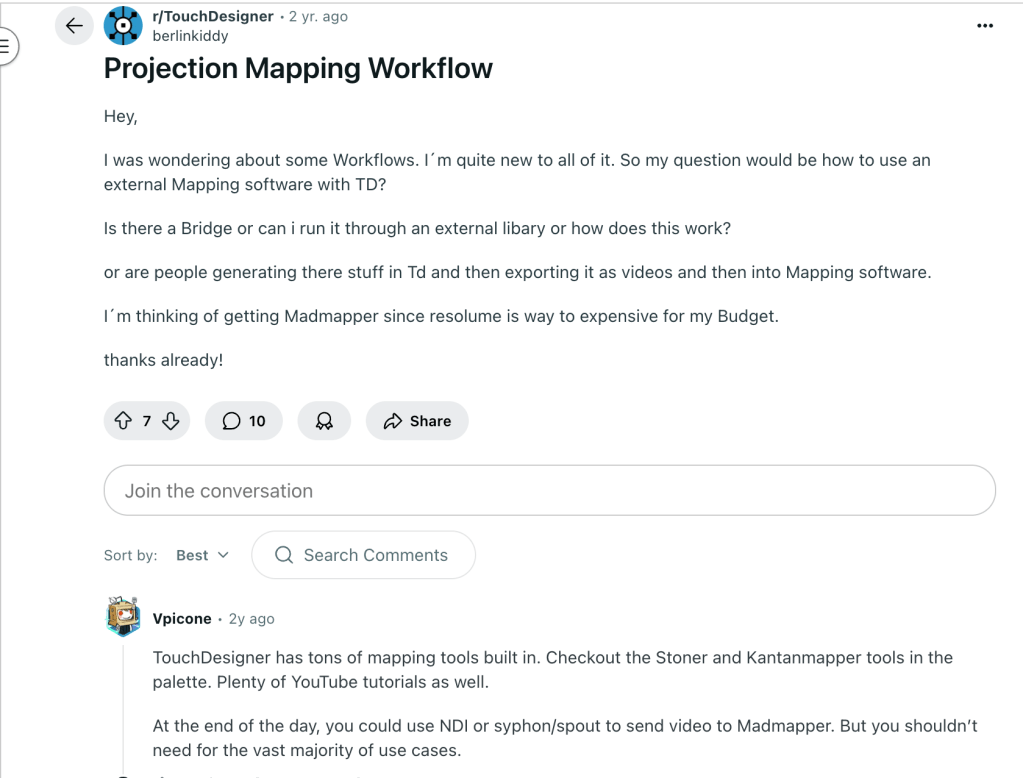
I found a Projection Mapping Workflow post on Reddit that mentioned Syphon/Spout to send video to Madmapper.
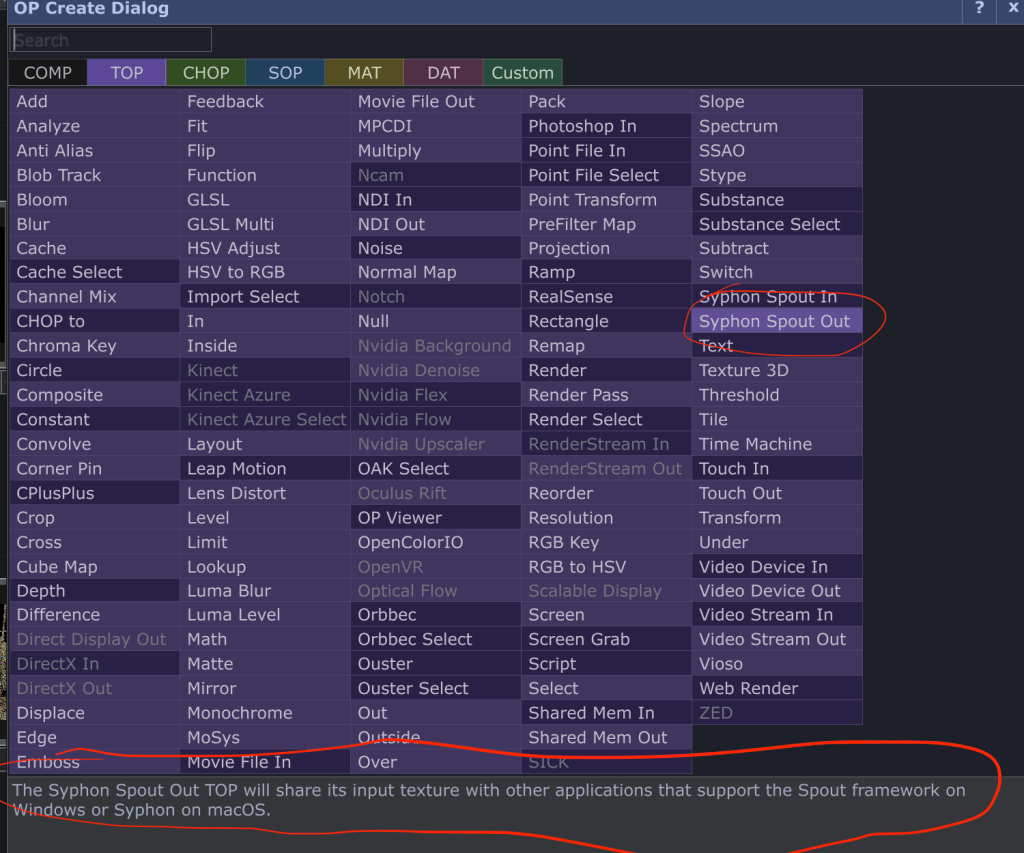
From there, I looked more into sending video out from TD using Syphon (for Mac). TouchDesigner has a built-in node called “syphonspoutout,” which automatically sends out signal within your computer’s localhost so that other software like MadMapper can access it.
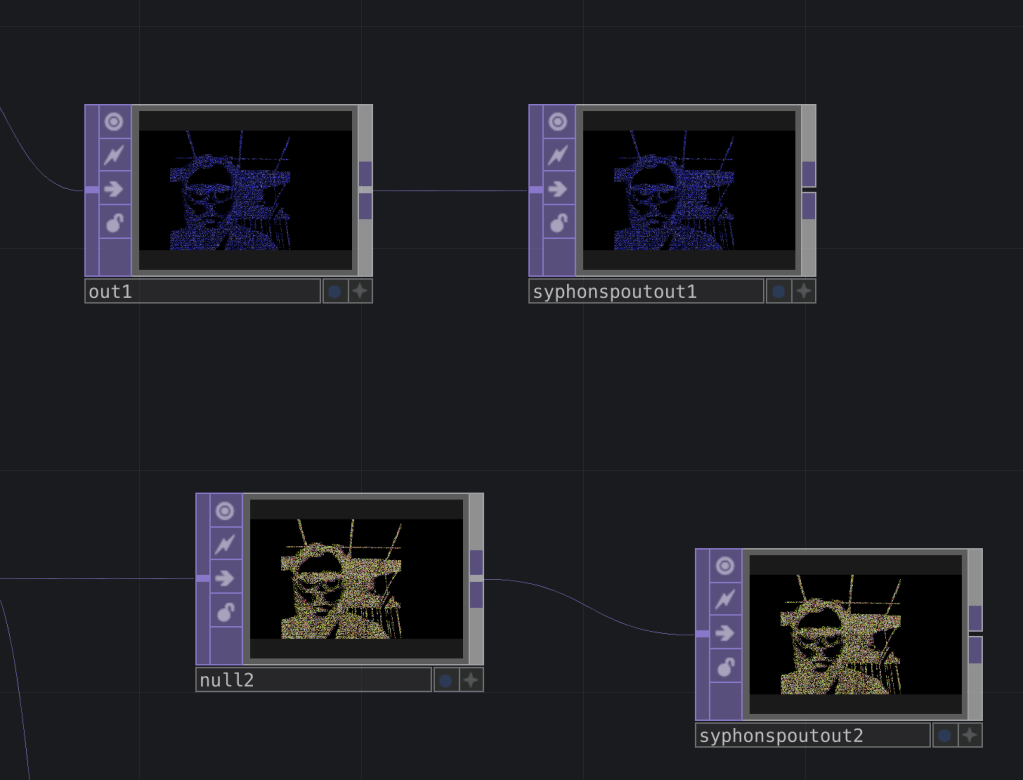
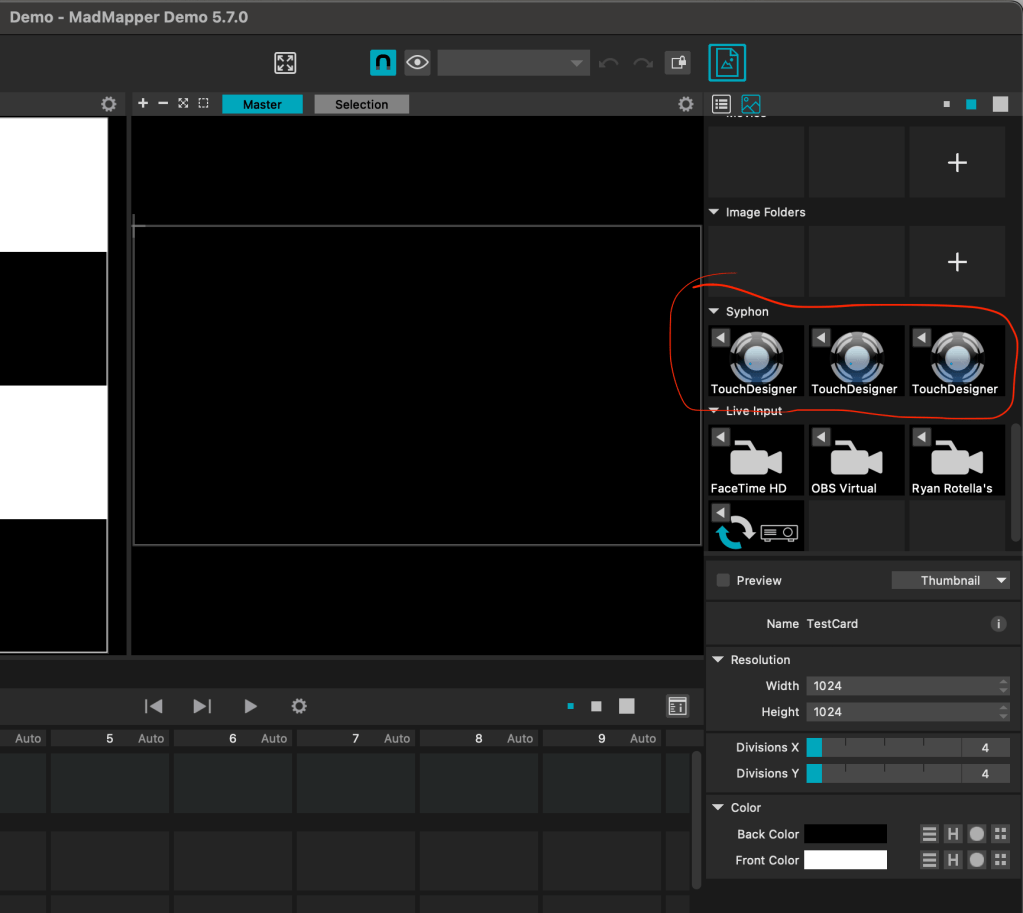
Setting up TouchDesigner with MadMapper turned out be straightforward. I will definitely be utilizing this pipeline a lot going forward.
As for the TouchDesigner content, I remixed a project I used for an XR hackathon I did over the summer.
I added more color, made the particles smaller, and increased the Thresh sharpness so the face and hands could be more visible in the projection. I made three different outputs with different colors to place on the 3-sided box.
Most importantly, I added MediaPipe as a Python script. Once I kick off the script, the hand-tracking data gets sent to TD where I can use it as an OSC input. I hooked up the Pinch Gesture for the viewer to change colors of the particles. I hooked up the Open/Closed hand gestures to invert the B/W Threshold of the feed.
I look forward to building out of this pipeline going forward and look forward to building more interactive projections with more fleshed out concepts!
Python Script for MediaPipe
import cv2
import mediapipe as mp
#import socket
from pythonosc import udp_client

# --------------- OSC Setup -----------------
UDP_IP = "127.0.0.1"   # localhost
TD_PORT = 8000         # TouchDesigner port

client_TD = udp_client.SimpleUDPClient(UDP_IP, TD_PORT)

# --------------- MediaPipe Setup ------------
mp_hands = mp.solutions.hands
mp_drawing = mp.solutions.drawing_utils

cap = cv2.VideoCapture(0)  # use webcam

with mp_hands.Hands(
    max_num_hands=1,
    min_detection_confidence=0.7,
    min_tracking_confidence=0.7
) as hands:

    while cap.isOpened():
        success, frame = cap.read()
        if not success:
            continue

        # Convert to RGB for MediaPipe
        frame_rgb = cv2.cvtColor(frame, cv2.COLOR_BGR2RGB)
        results = hands.process(frame_rgb)

        # Default values
        gesture = 0
        hue_val = 0.0

        if results.multi_hand_landmarks:
            hand_landmarks = results.multi_hand_landmarks[0]

            # Example 1: Simple open vs closed hand
            index_tip_y = hand_landmarks.landmark[8].y
            index_mcp_y = hand_landmarks.landmark[5].y
            if index_tip_y < index_mcp_y:
                gesture = 1   # open hand
            else:
                gesture = 2   # closed hand

            # Example 2: Hue based on distance between thumb & index finger
            x_thumb = hand_landmarks.landmark[4].x
            y_thumb = hand_landmarks.landmark[4].y
            x_index = hand_landmarks.landmark[8].x
            y_index = hand_landmarks.landmark[8].y

            dist = ((x_index - x_thumb) ** 2 + (y_index - y_thumb) ** 2) ** 0.5
            hue_val = min(max(dist * 5.0, 0.0), 1.0)  # normalize 0–1

        # ----------------- Send OSC -----------------

        print(f"gesture: {gesture}, hue: {hue_val:.2f}")


        # Send to TouchDesigner

        client_TD.send_message("/gesture", gesture)
        client_TD.send_message("/hue", hue_val)


        # ----------------- Debug View ----------------
        cv2.putText(frame, f"Gesture: {gesture}", (30, 30),
                    cv2.FONT_HERSHEY_SIMPLEX, 1, (0, 255, 0), 2)
        cv2.putText(frame, f"Hue: {hue_val:.2f}", (30, 70),
                    cv2.FONT_HERSHEY_SIMPLEX, 1, (0, 255, 0), 2)

        cv2.imshow("MediaPipe Hands", frame)

        if cv2.waitKey(5) & 0xFF == 27:  # ESC to quit
            break

cap.release()
cv2.destroyAllWindows()
 Ryan Rotella
Leave a comment