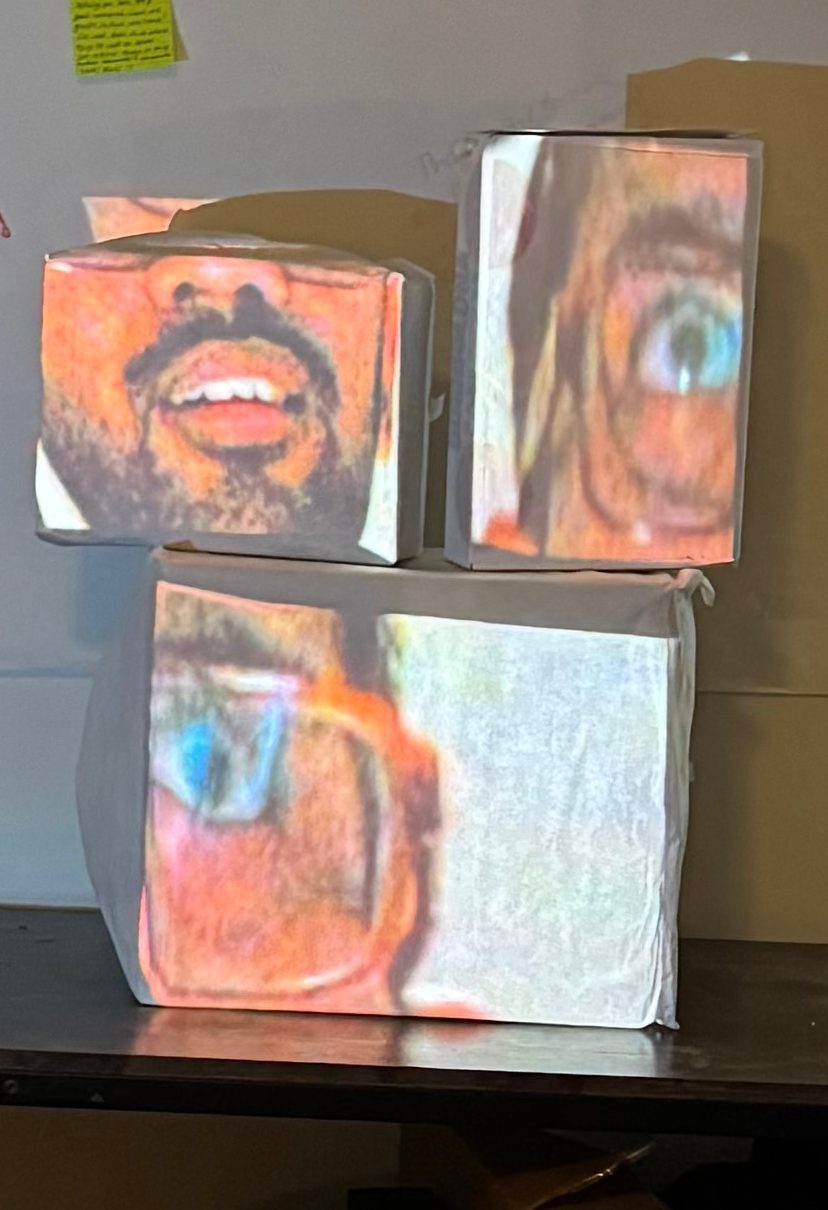
I think I may have misunderstood the assignment, as I did my own custom projection piece. No matter, here’s how it turned out.
My Projection
Disclaimer: I had to use two separate takes and put them together due to space being small, so it’s not the most accurate representation. But it is all real time! And the hand control works great in real time!
My Projection Surface
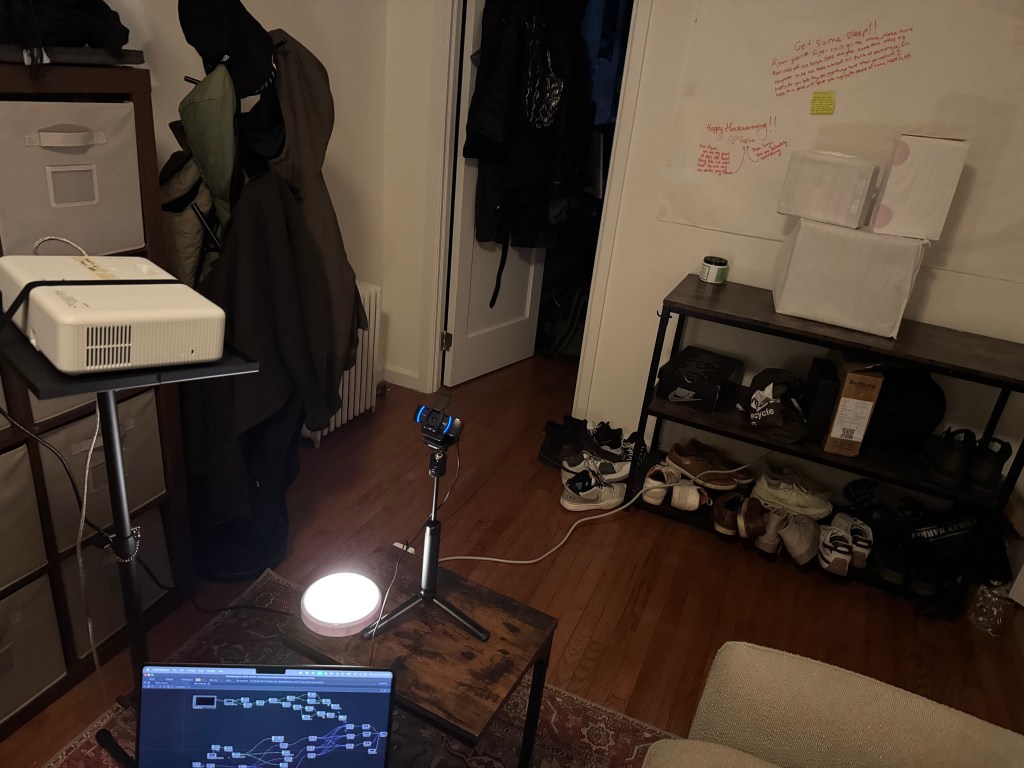
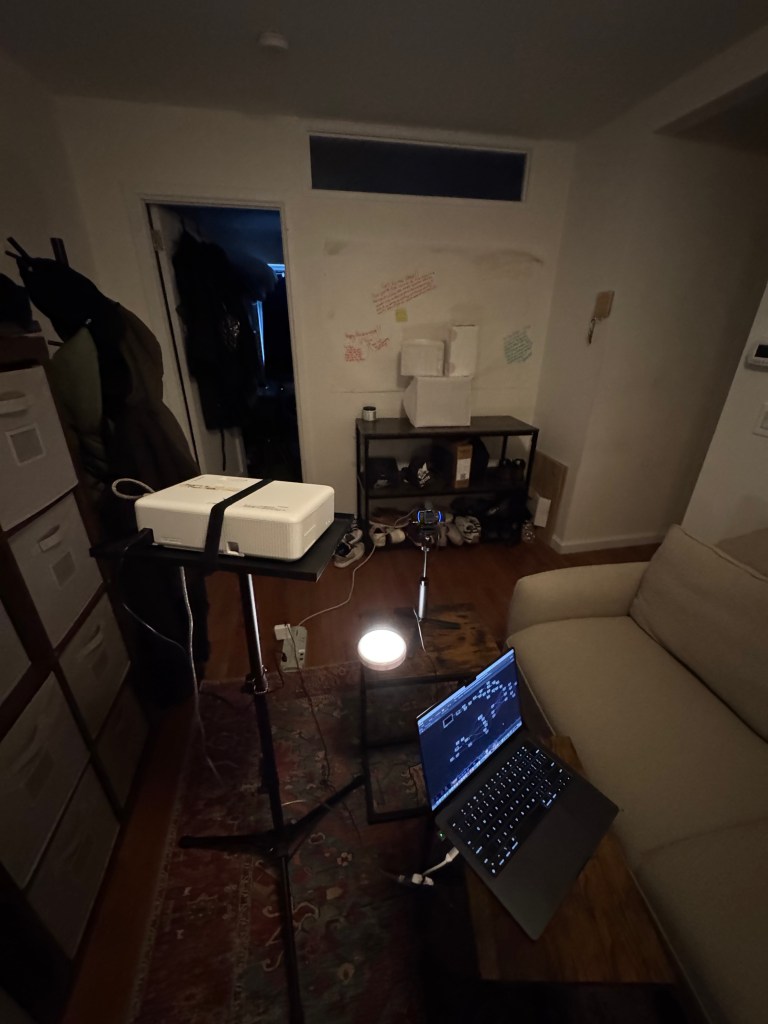
Setup
File
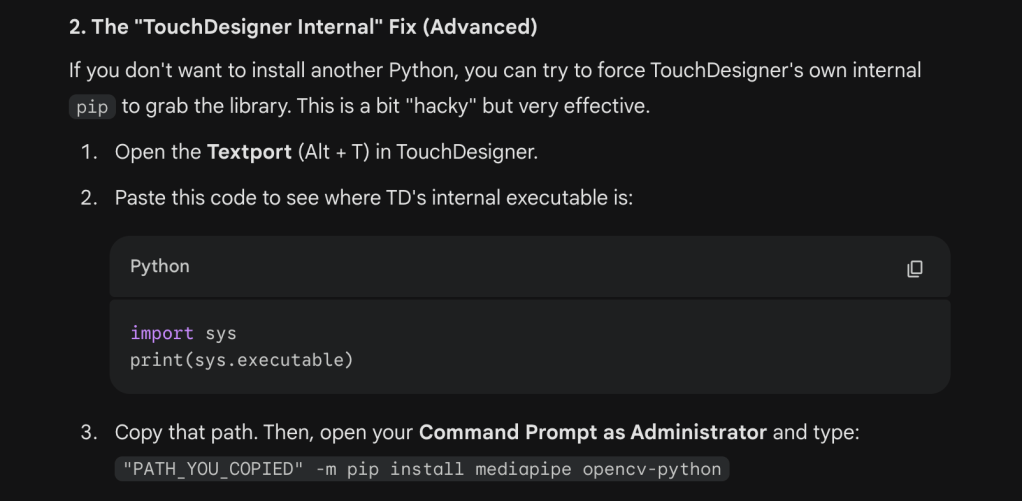
Also, you would have to install mediapipe where TouchDesigner is on your computer, in order for the script to work:
Inspiration:
In my other class New Portraits, my professor Alan Winslow walked our class through the history of portraiture. When he brushed through Cubist portrait, I loved seeing how faces were disfigured geometrically. Combining this cubist delight and seeing work online of a technologist segmenting one video between multiple CRT screens, I decided to create a facial segmentation effect in TouchDesigner.
I have some experience with MediaPipe beforehand, so I already had the .tox file from Torin Blankensmith’s Github (and had watched some great tutorials by him). So I dropped that in and got to isolating parts of the face. I ran into a struggle quickly: how would I extract the parts of the face that I want? Luckily, the MediaPipe model from Google has pre-defined points in its facial architecture. I just needed to get the right points from the face mesh and isolate the eyes and mouth.
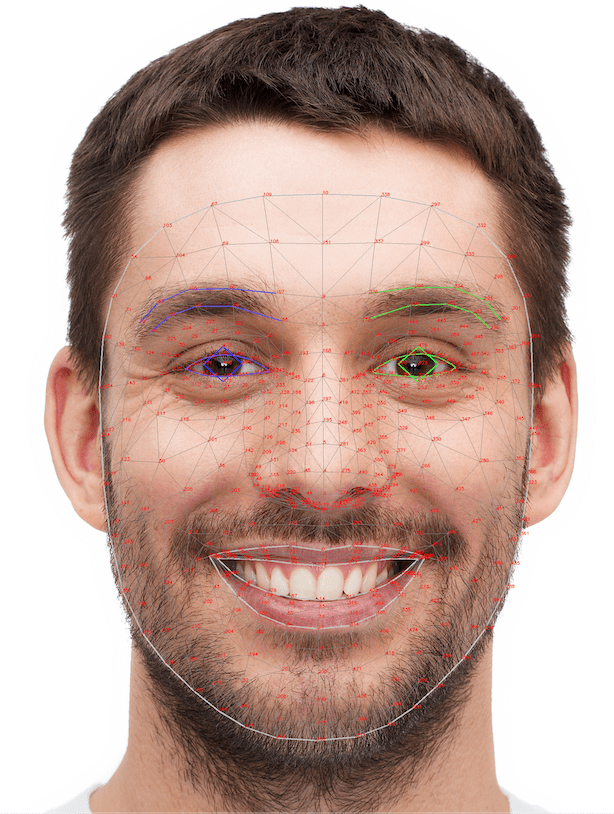
I tried using the Face Tracking .TOX and an example Torin made of creating a 3D object over the face. However, I could not tweak this much at all with my current knowledge and for some reason, the MediaPipe .TOX I had zoomed in my camera’s resolution too much. I still don’t know why my webcam looks much different in the MediaPipe COMP versus my normal VideoDevIn TOP. That was my greatest struggle by far because it wasted a lot of my time.
Because none of that worked, I dropped the MediaPipe plugin and used MediaPipe the old fashioned way: by calling the Google model from a python scrip that I placed in TouchDesigner. I had done this before when I wanted MediaPipe without the performance issue. For proper disclosure, I did use Google Gemini 3 to help me write the code for picking parts of the face. I figured if I were using one Google model, why not the other? I went back and forth with the model on debugging the code (can check the whole prompt convo here). AI is not good with TouchDesigner at all, only with code (in my experience). I think this is because TouchDesigner logic is too spatial and visual so it’s much harder to train models with images of cluttered nodes with tons of lines.
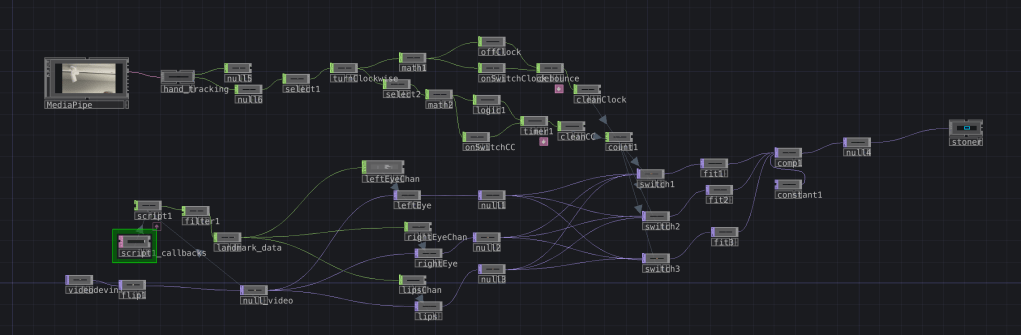
Anyway, after several iterations the script worked! It was my greatest success, and from there, the script gave me channels to send to three separate Crop TOPs for left eye, right eye, and lips. From there, I set up each cropped video and filtered them to positions to place into a Composite.
Next, I decided that I wanted some interaction. I wanted to rotate each segment of the three videos so I could feel like I was rotating my face. So I actually used the MediaPipe .TOX from before to track my hands, in addition to my MediaPipe script. I did this because I only needed the hand tracking data, and that’s really to extract using Select CHOPs. From there, I tracked my hand “turning” one direction based on a pre-defined hand midpoint variable and added a timer to debounce input (no constant switching). I added that to a count and put all my segmented videos in Switch TOPs.
Voila!
 Ryan Rotella
Leave a comment