In Class Documentation
Phone footage from Class
OBS Documentation of Network
TouchDesigner ZIP File
Approaching Generative Design
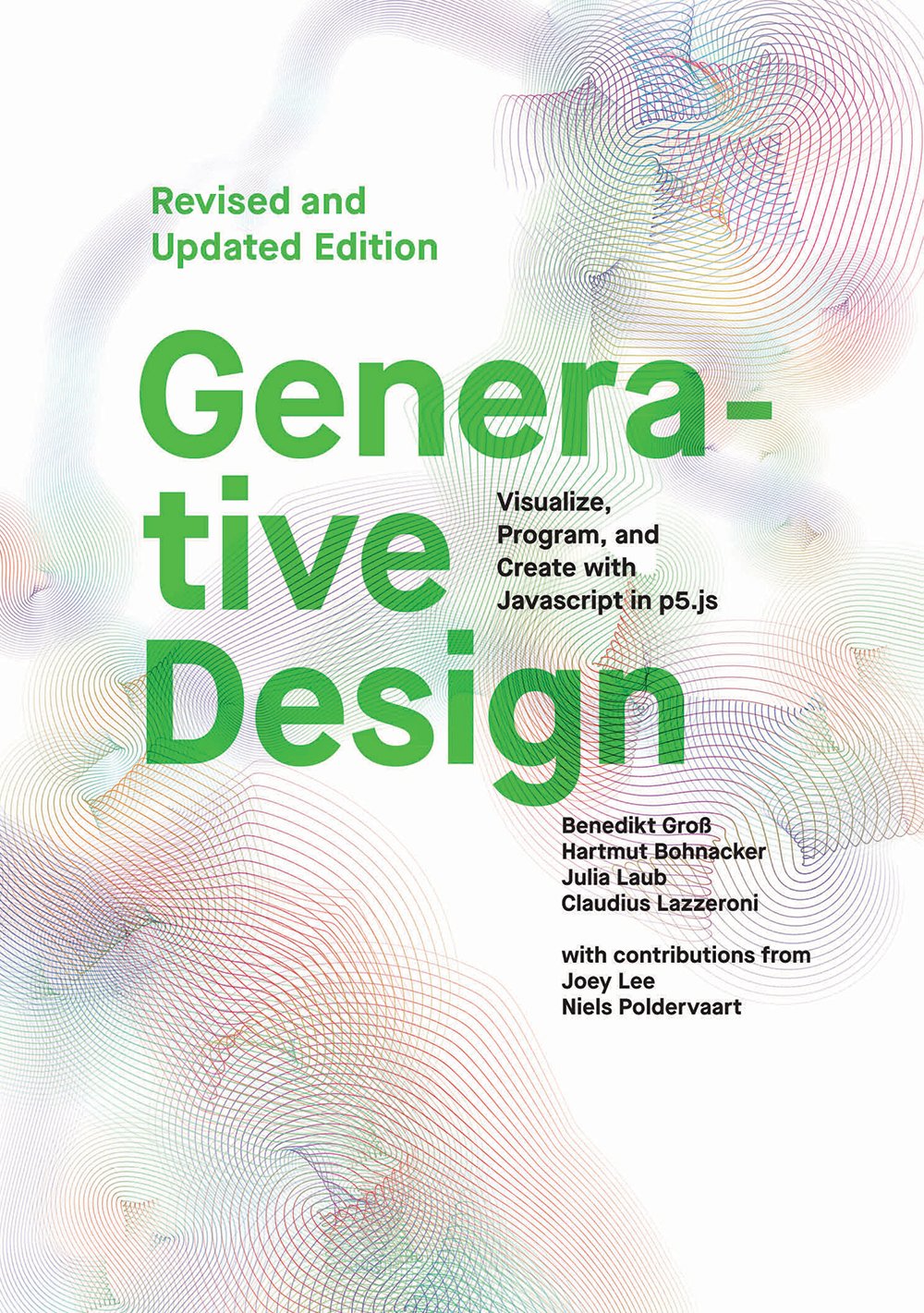
The effect from this book I would choose to model in TouchDesigner is: Typography, P_3_1_3_01
If I were to do it, I might twist it to show different messages as people put their hands in different places/gestures with MediaPipe. I like the idea of people having to decode messages with their body.
But sticking to the original, here’s how I would approach making this effect in TouchDesigner:
Key Components:
- Text DAT – text lives there
- Text TOPs
- main component becomes texture to edit visually
- probably have to break each letter into its own TOP so each can have movement mapped.
- Ramp TOP – provide color gradient for text (light purple to dark purple)
- Composite TOP
- combine Text and Ramp to make color gradient appear on text
- choose the Multiply Effect
- Transform TOP – affect movement of text on axis
- Mouse In CHOP – get values for x and y of mouse to animate text based on mouse position
- OR
- MediaPipe Hand Tracking -> get CHOP data to replace Mouse In -> animate text based on hand position on x/y axis
- *Geo COMP and Phong MAT – if you wanted to make effect 3D (move in 3 Axises), add these and render in with Camera and Light
- How to get letters spaced in alphabetical row order like original?
- Make sure Final Comp has height to contain letters spaced for whole effect
- Either from the Mouse In or MediaPipe, use the Select Comp to get movement across X axis on screen
- Make a Math CHOP for each letter of alphabet to apply to Y spacing (in P5.js code, it’s: 40 + 20 * indexOfLetter (increases as you move up alphabet; A = 0, B = 1, so on)
- Apply X value from Input Select to Y transform of Letter TOPs
Update 1: Correction
I am trying to build this effect in TouchDesigner and realized my method was wrong. I cannot isolate individual letters in a text TOP and animate them each. I suppose you could with 26 Text TOPs for the alphabet and have CHOPs connected to them, but that is not a good way of doing that.
In order to animate the text, each letter needs to be an object. In order to do this, you must convert the Text DAT to ASCII values (via Script DAT) and convert the DAT to a CHOP graph. Then, each ASCII point on the graph can be translated to a text object that can be rendered as a SOP or POP.
Luckily, I found this great tutorial last semester on text and recommend it watching to deal with text in TouchDesigner.
Update 2: Success!
I achieved the effect!
 Ryan Rotella
Leave a comment