Author: Ryan Rotella
-
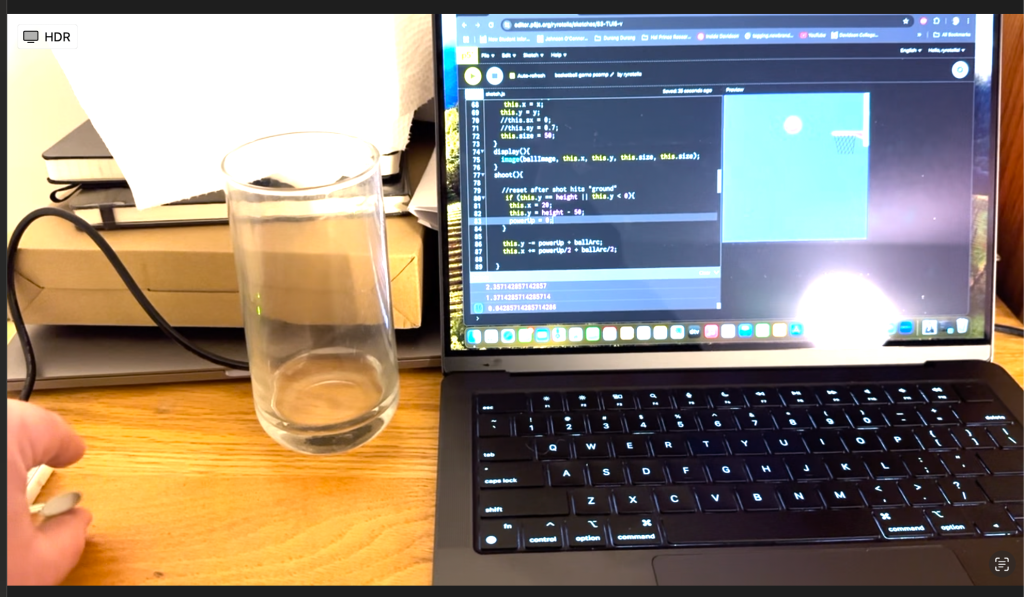
Two-Way Serial Communication
The first part of the lab served as a reminder from last week’s lab, reinforcing how serial communication works between Arduino and P5. I set up the potentiometers and switch on my breadboard. I set up the code in Arduino and P5.js respectively. First, I tested to make sure my inputs and code was working…
-
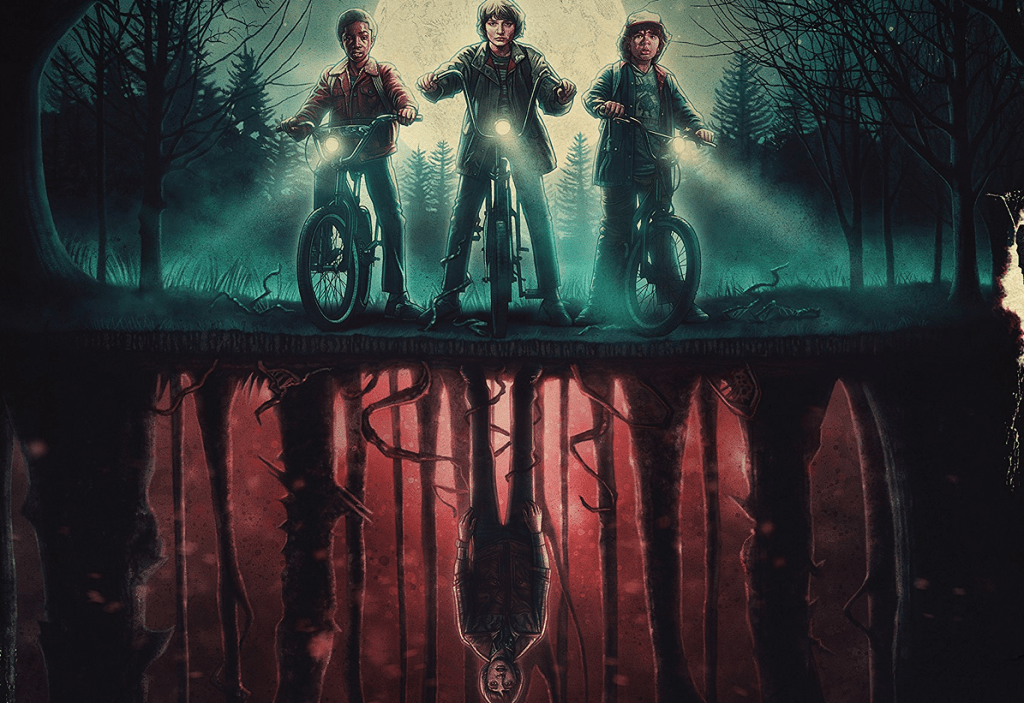
Work in Progress: The Upside Down
Assignment Prompt “Work in pairs. Due in 2 weeks. Create and/or manipulate an image or video at the pixel level to create an alternative of the reality depicted in the source image. Describe in 1-3 keywords how your image feels different from the source image. For next week submit your work in progress and be…
-

Synthetic Media: 2.907 kWh per 1,000 inferences
Concept During our conversation in class last Wednesday, I felt a tension about AI and making art with it. The tension stems from the fact that AI image and video generation use an inordinate amount of electricity. The title of the video, 2.907 kWh per 1,000 inferences, is a reference to a study done by…
-
PComp Lab: Week 7, Serial Communication
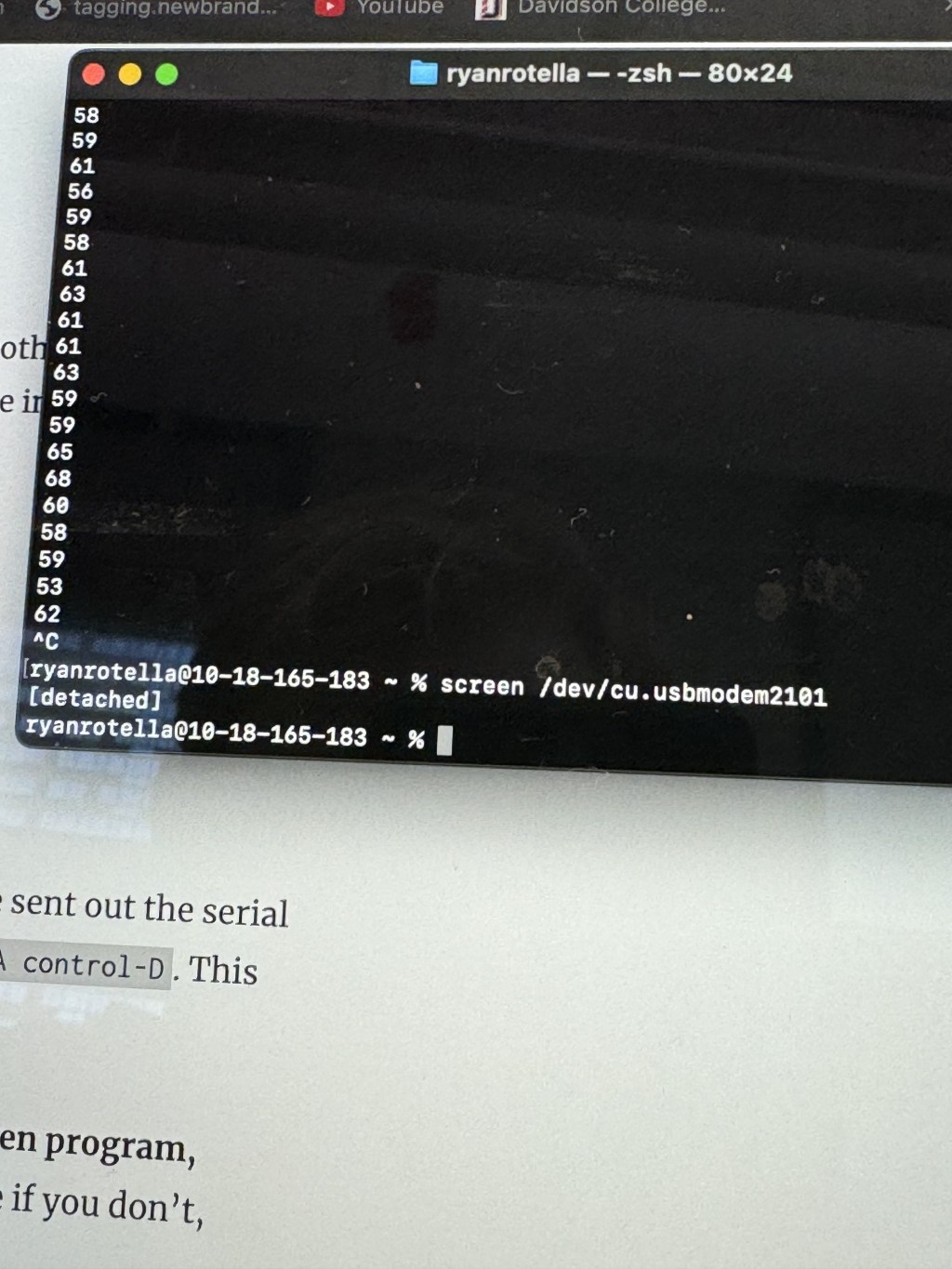
Lab: Intro to Asynchronous Serial Communications As a reprieve from our midterm work, I enjoyed digging deeper into how our computer and other computers can interact with microcontrollers. This part of the lab was a straightforward setup of how data gets communicated serially. The initial view of the data was all cluttered, and I welcomed…
-
Midterm: Ghost Wheeze
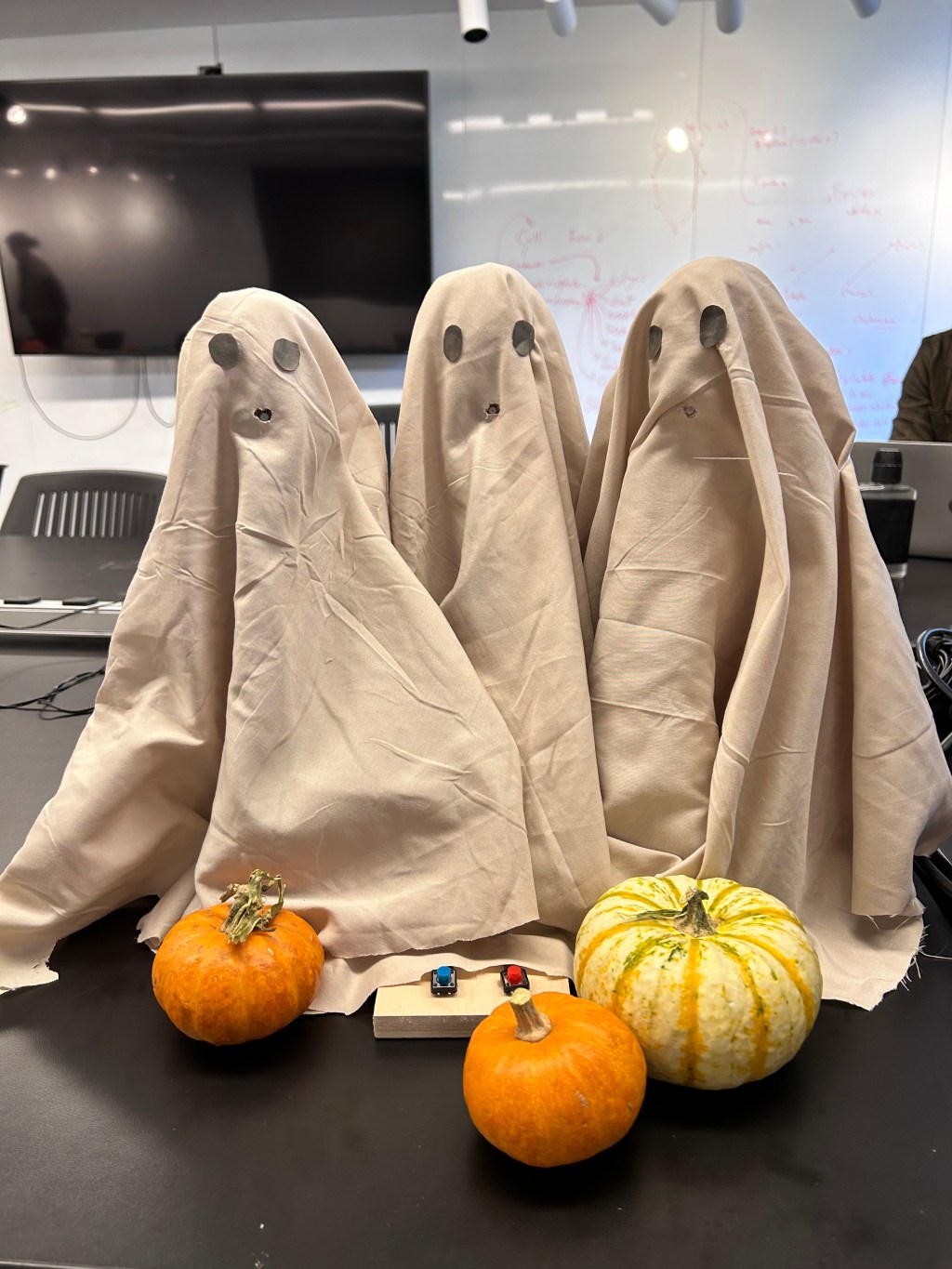
Concept A Halloween themed prank toy that uses servo motors to pull cable ties down on a Febreze bottle’s trigger at the press of a button. There are two modes for our interactive Ghost Cough piece: one, a gambling mode where a user may or may not get sprayed; two, a sampling mode where a…
-
Week 7: Smashing Graphics
Sketch: https://editor.p5js.org/ryrotella/sketches/pyzh7sjFR Trying to figure out how to add another canvas with CreateGraphics() was difficult. Eventually, I understood how to make it appear once, but how do I match up a new graphic with an object that I’m deleting? After a few hours, the answer laid in variables. I saved the last coordinates of a…
-
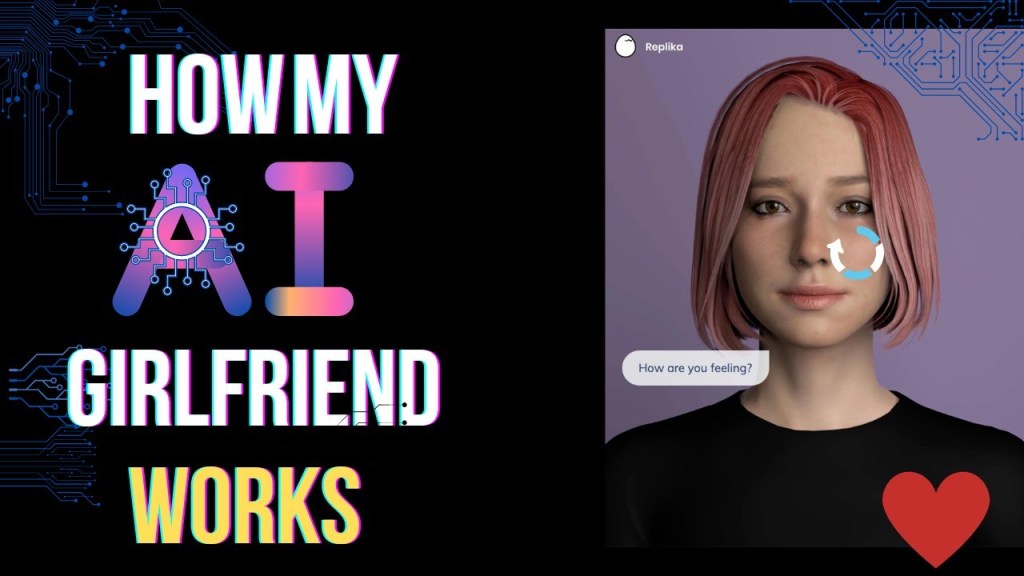
Digital Playthings: AI Chatbots, Dating, and Who is Playing Who
Prompt: These days, AI’s increasing prevalence on the internet makes it more difficult to find any novel use of it. If there is a novel use, all the massive tech companies swoop on it and either replicate it to the nth degree or wall it off for their own private, opaque uses. A lot of…
-

Hypercinema Midterm
Created in Adobe Premiere Pro and Adobe After Effects by Justin Johnson and me (Ryan Rotella) Credits Process Our assignment for the Hypercinema Midterm: “Create a short (less than 2 minutes) video in which animation is overlaid onto video to present a speculative future. This future video could be informative, expressive, an interactive game or…
-
Week 6: Preparing Patterns
For my Creative Coding class, I must create a P5.js sketch that keeps track of user actions via arrays and objects. What does that mean? In programming, an object is a bundle of characteristics and methods that are defined by the programmer. An array is a data structure that allows the programmer to store a…
-
ICM Assignment 5: Cleanup
P5 link: https://editor.p5js.org/ryrotella/sketches/j72_IfAwq In this week’s Intro to Computational Media assignment, we learned the importance of refactoring code to make sure it’s clean and readable. I chose my assignment 2 p5 sketch, which looked like this in the code. I went through and refactored the code into separate functions for each shape and clear comments.…
 Ryan Rotella